












Oil painting — philosophers gathered around a laptop
remote
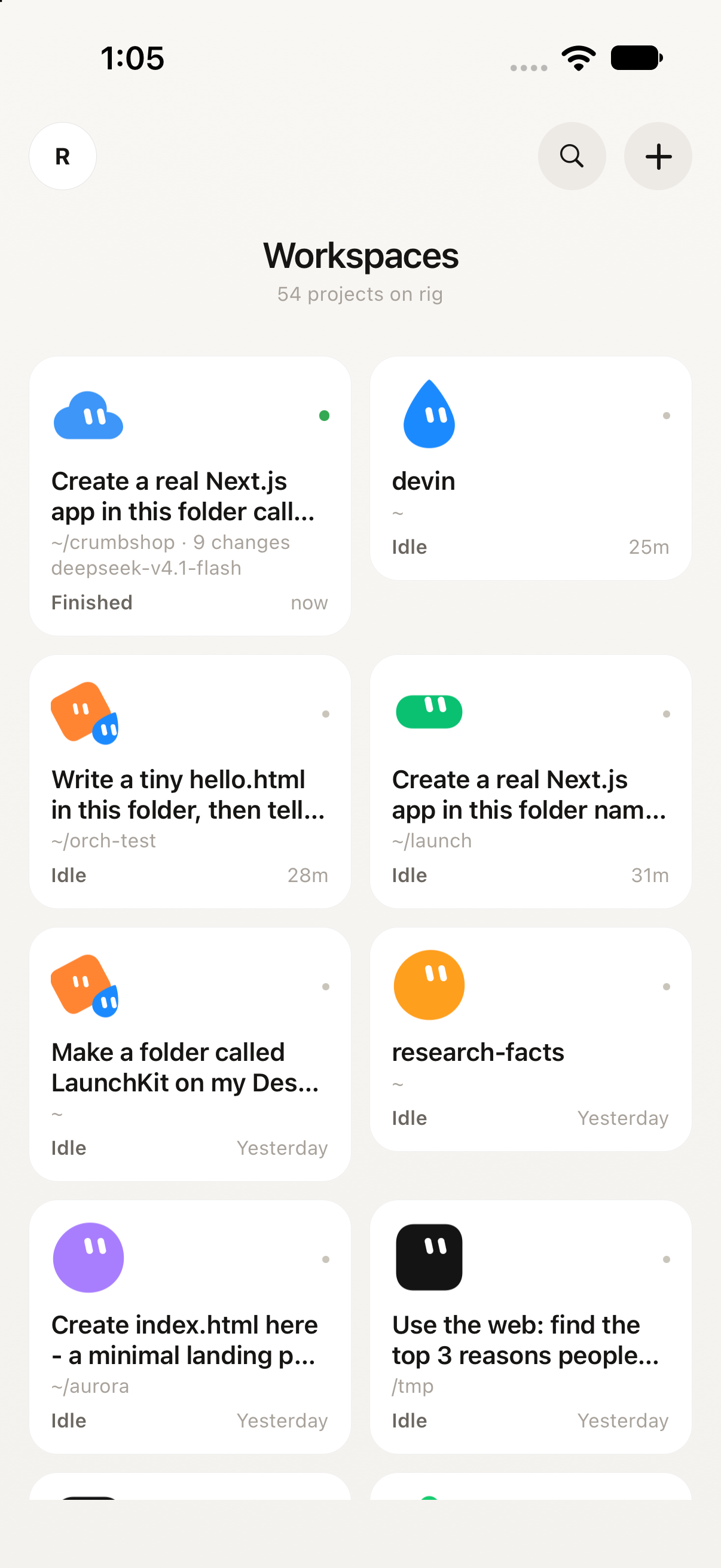
Remote workspaces — every project on the rig, each with a face
Remote thread — a reply landing
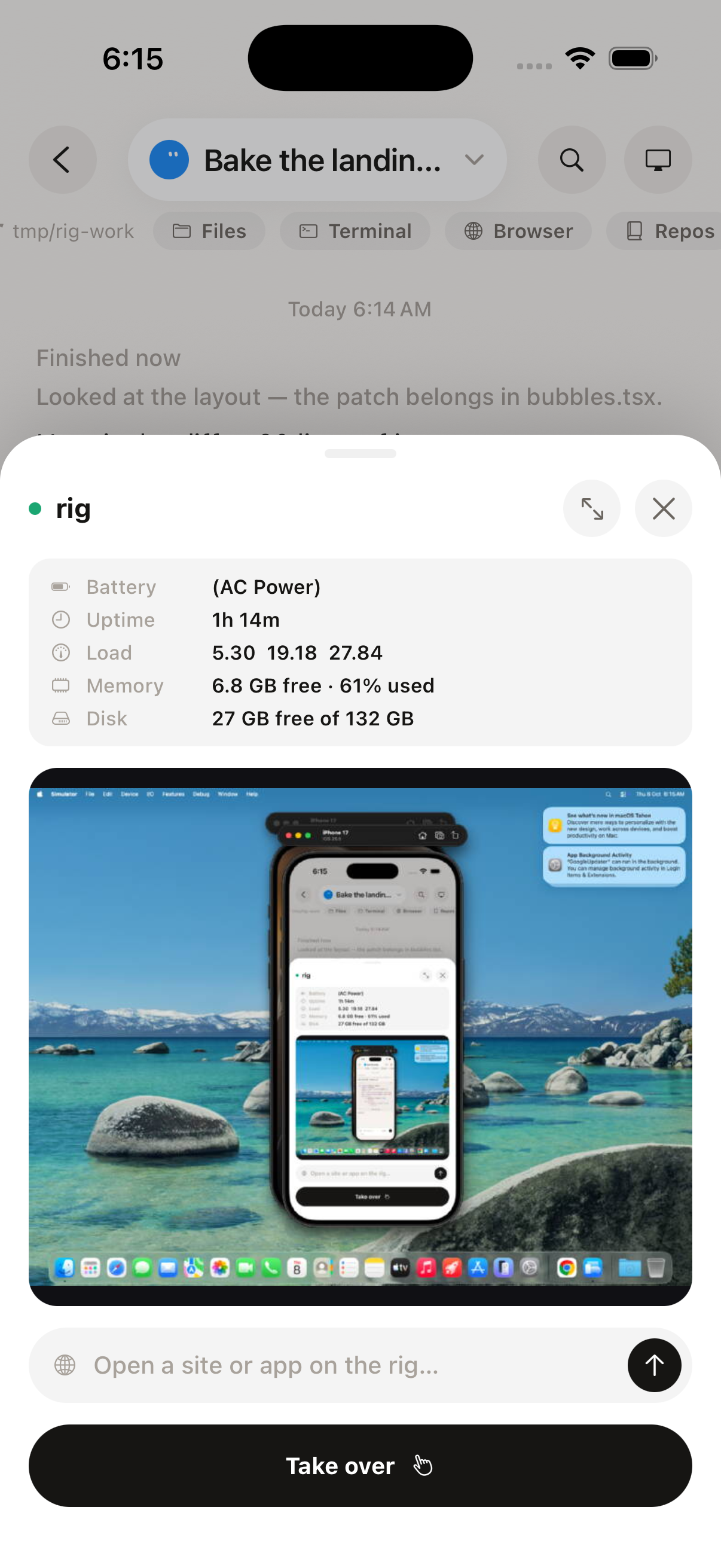
Remote computer view — the laptop's live screen, stats, take over
SEE IT WORK

The real app,
doing real work.

The Remote mascots — indigo, rose, gold, lavender and plum

You type it. Your computer does it.

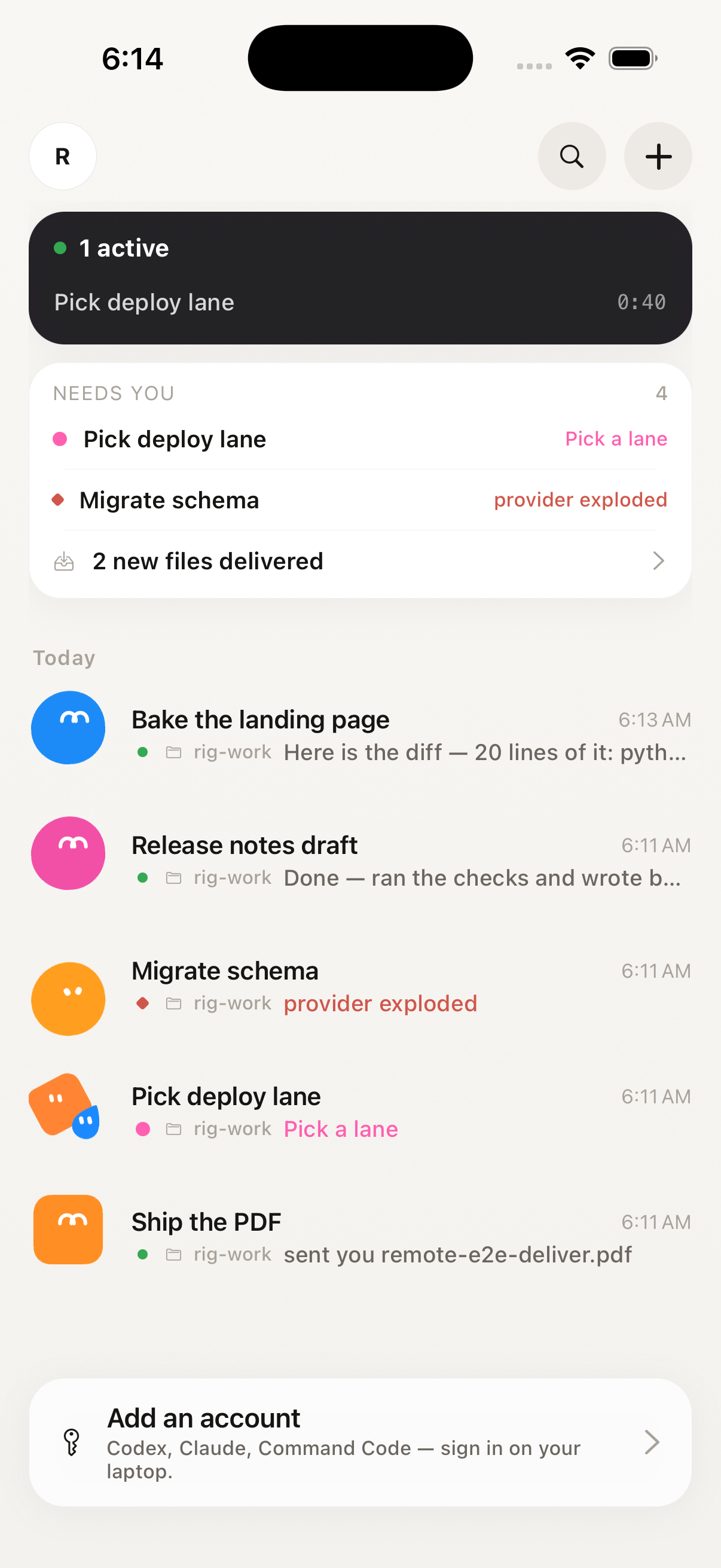
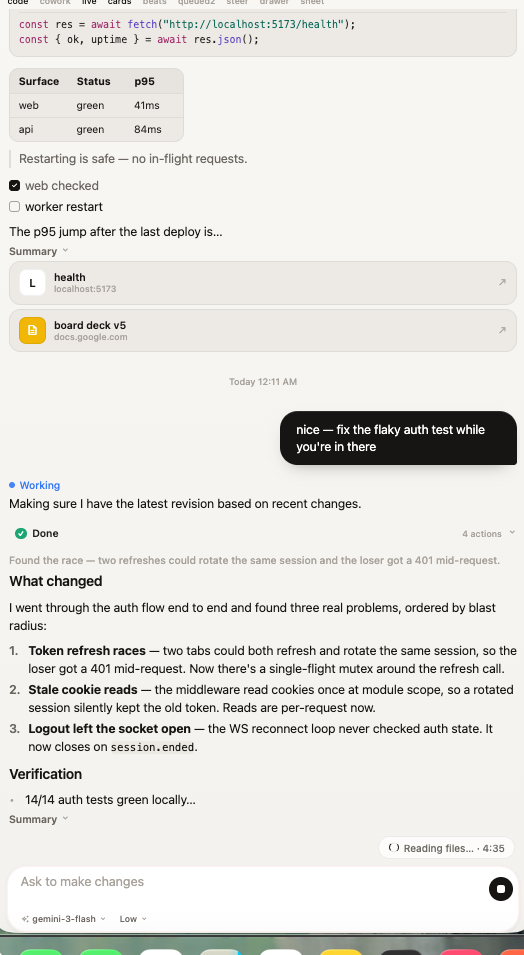
Your message goes in a bubble. The answer comes back in plain words — findings, verification, a PR link — with a live checklist while it works.

  • Replies stream like a chat, not a log dump
  • Pick the model and how hard it thinks, above the keyboard
  • Swipe to quote, long-press to retry or branch a turn
RECORDED ON A REAL LAPTOP
HOW IT WORKS

Sixty seconds
to connected.

One installer on the laptop, one app on the phone, one QR code between them.

01 — INSTALL

Run the installer

One command installs everything — the program, the agent, and the settings that keep it awake with the lid shut.

The installer running in a terminal on the laptop
02 — PAIR

Scan the QR

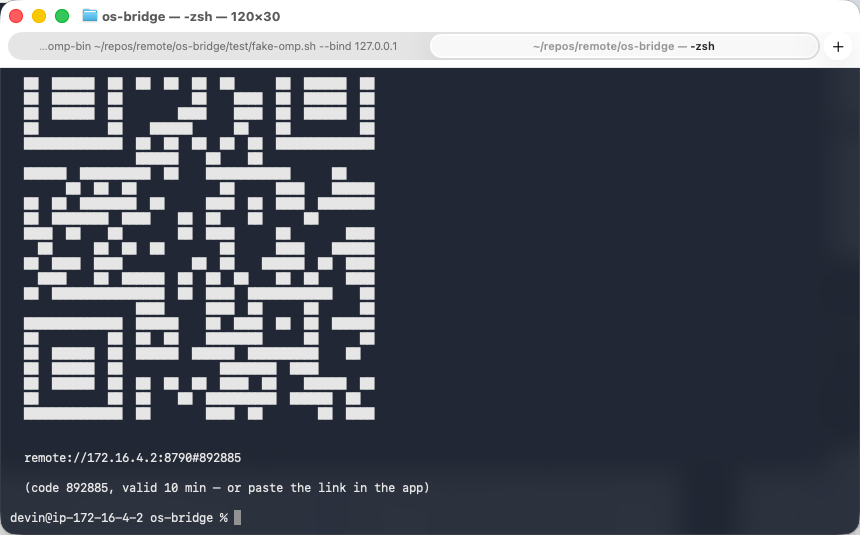
The installer prints a QR code. The app scans it — that’s the whole login. No passwords, no accounts.

The installer prints a real QR and pairing code in the terminal
03 — CLOSE THE LID

Work from anywhere

Your laptop stays awake with the lid shut. Same Wi-Fi on the couch, Tailscale from anywhere else.

The inbox on the phone — every job with a status word
WHAT’S IN YOUR POCKET

The whole computer,
pocket-sized.

A thread on the phone — questions in bubbles, answers in plain words

Chat, not a terminal

Ask for what you want in a text message. Get back files, changes, and answers.

The inbox — every job gets a mascot and a status word

Every job in one inbox

Each session shows up like a contact — a face and a status word: Working, Done, Needs you.

Live screen mirror — watch the laptop work, take over with a tap

Watch your machine's screen live

See the real display stream in. Tap to take over — click, type, scroll.
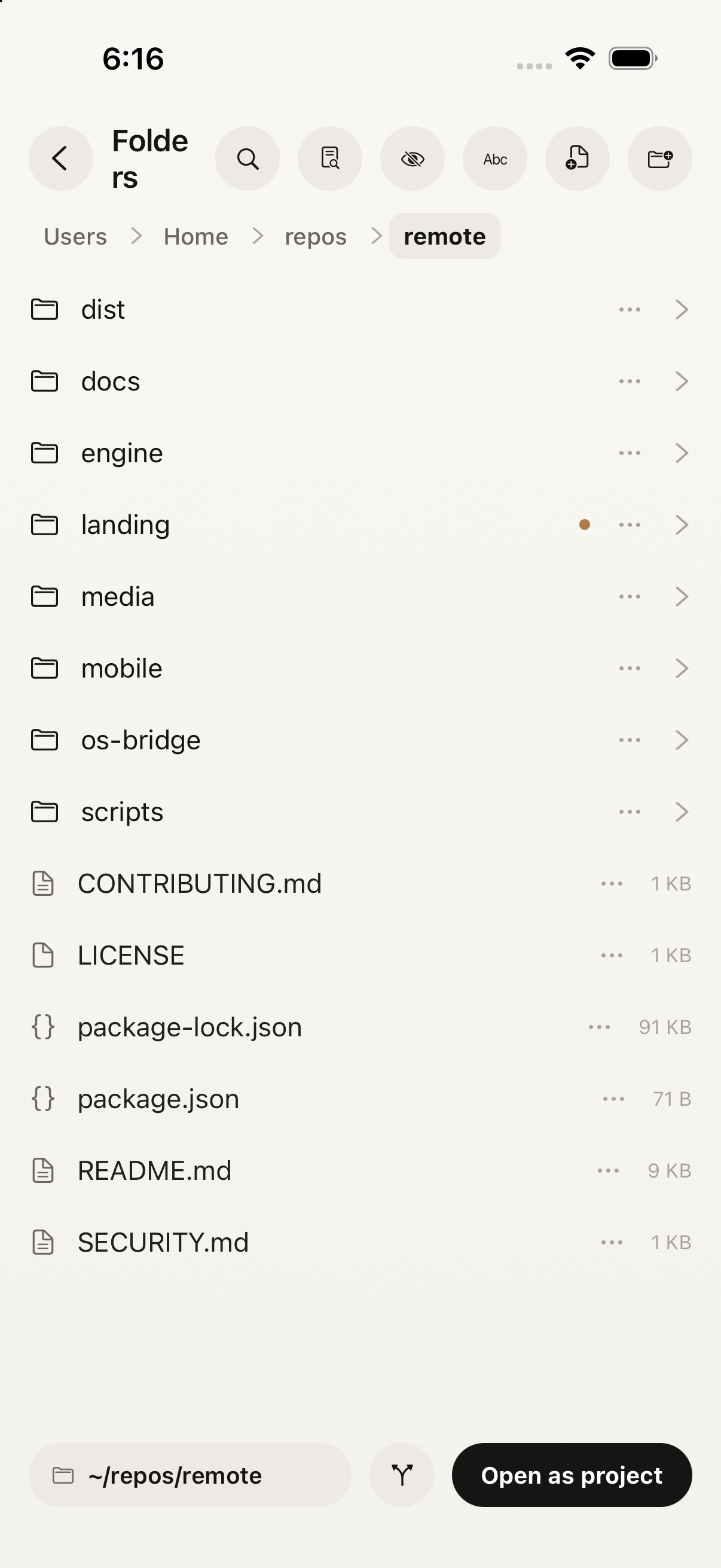
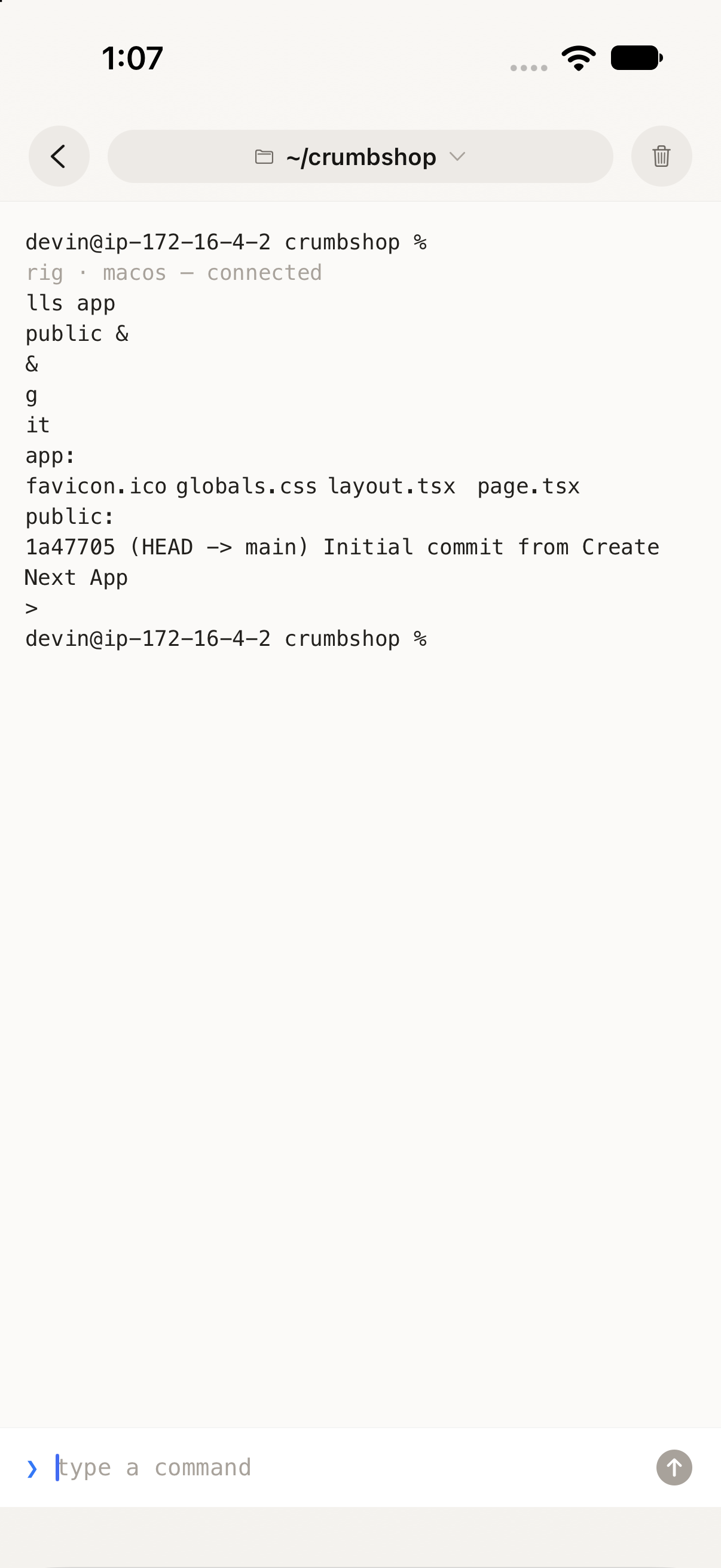
A real terminal on the phone — connected to the laptop

Code mode

Open folders, run terminals, read files — the whole repo in your pocket.
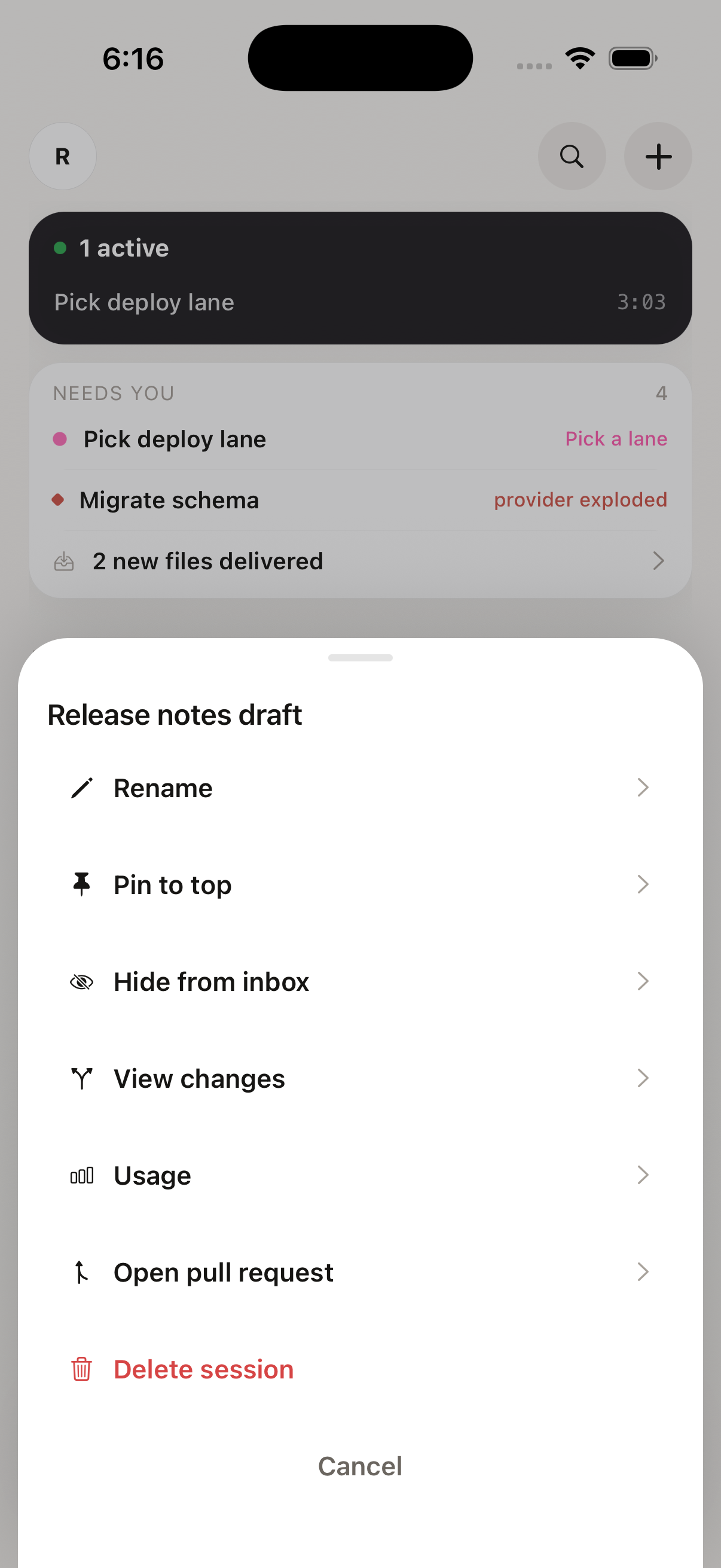
Code mode's browser pane — the laptop browses for you

Bring your own subscription

Claude, Codex, whatever you already pay for — it signs in on the laptop. Your phone never sees a key.
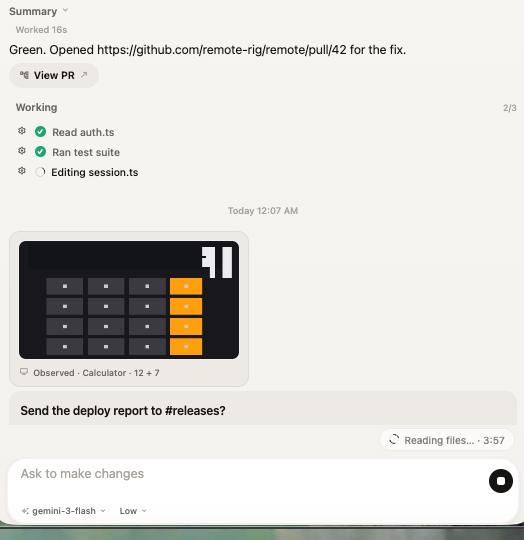
A job mid-turn — the inbox says Working

Close the lid, keep working

The laptop stays awake with the lid shut — on your Wi-Fi, or from anywhere over Tailscale.

MEASURED, NOT MARKETED

Honest numbers.

Everything below is a real measurement on a real machine. Nothing estimated, nothing rounded up.

0.23ms
a tap answers — measured round trip on the machine
0.17ms
a key lands — every keystroke, round trip
10.2ms
a fresh frame of your screen arrives
29MB
memory sitting idle — 51 MB while it works
READ THE RAW BENCHMARKS →
GET REMOTE

Free, open source,
on GitHub.